
indie Games Online
















 On the desktop
Indie Online Games
Play fresh indie games right in your browser free, no downloads, on desktop or mobile. Start in seconds: pick a game, tap Play, and use keyboard, mouse, or touch. Find solo challenges, local two‑player, co‑op, and online versus modes. Ratings and tags help you choose a genre you like, from platformers and puzzles to action, horror, and more.
What is an indie game?
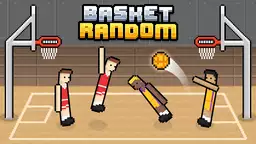
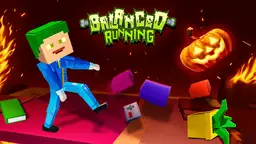
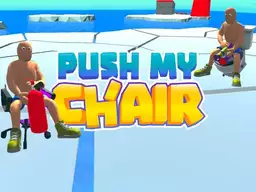
Indie games are created by small teams or solo developers with a strong creative vision. These games is often experimental, stylized, and compact in scope. You'll see familiar genres platformer, puzzle, adventure, strategy, match‑3, RPG, racing, .io plus niche styles like roguelike and metroidvania. Examples players often look for include Geometry Dash, Red Ball 4, Fireboy & Watergirl, Tap Wood Blocks Away, or Basket Random.
How to start playing in your browser
- Choose a game tile and check its rating, mode (single/co‑op/2P), and controls.
- Press Play no installation. The game loads via HTML5.
- Controls: keyboard + mouse on desktop; touch on phones/tablets. Some titles also show controller support.
- Tip: close other heavy tabs for smoother performance on older devices.
Popular sub‑genres
- Platformer and precision runners
- Puzzle and match‑3
- Adventure and story‑driven
- Action, roguelike, metroidvania
- Horror and survival
- Strategy and tactics
- RPG and progression
- .io and quick competitive games
Multiplayer and co‑op
Many indie browser games support playing together. You'll find:
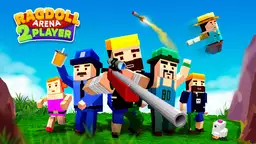
- Local two‑player: share a keyboard or play on one device.
- Online co‑op: complete levels together.
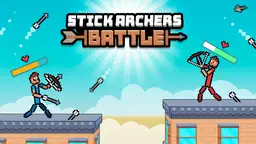
- PvP/versus: quick matches against friends or new players.
Check the game's mode badge before you start. For local two‑player, a key map or on‑screen controls are usually shown.
How we highlight top‑rated picks
Top‑rated games come from player votes and session feedback. We surface titles with consistent positive ratings and recent activity. Lists are refreshed regularly so you can quickly spot what's trending now.
Devices and controls
- Desktop: keyboard + mouse are standard; some games accept controllers.
- Mobile/tablet: touch controls and simplified UI.
- Controls info: look for icons on the game card (keyboard/mouse/touch/controller).
Safety, age and content notes
Some titles include mild violence, horror, or fast flashing effects. Check the age note on the card (e.g., 16+ or 18+) before playing. Games run in the browser no executables which reduces install risks, but always keep your browser up to date.
FAQ
Do I need to download anything?
No. These indie games run via HTML5 in your browser.
Can I play with friends?
Yes. Look for co‑op, local 2P, or online versus tags on each game. It's easy pick a mode and start.
Will my progress save?
Some games store progress in the browser; others reset each session. Check the game description for save notes.
Are all games free?
They are free to play. Certain titles may offer optional cosmetics or extras that don't block play.
Which browsers are supported?
Current versions of Chrome, Edge, Firefox, and Safari are typically supported. Update to the latest version for best performance it just work.
Good options for short sessions?
Try quick platformers, .io games, or match‑3. Many titles load fast and fit into a 5-10 minute break.
